Author: muzketier
-
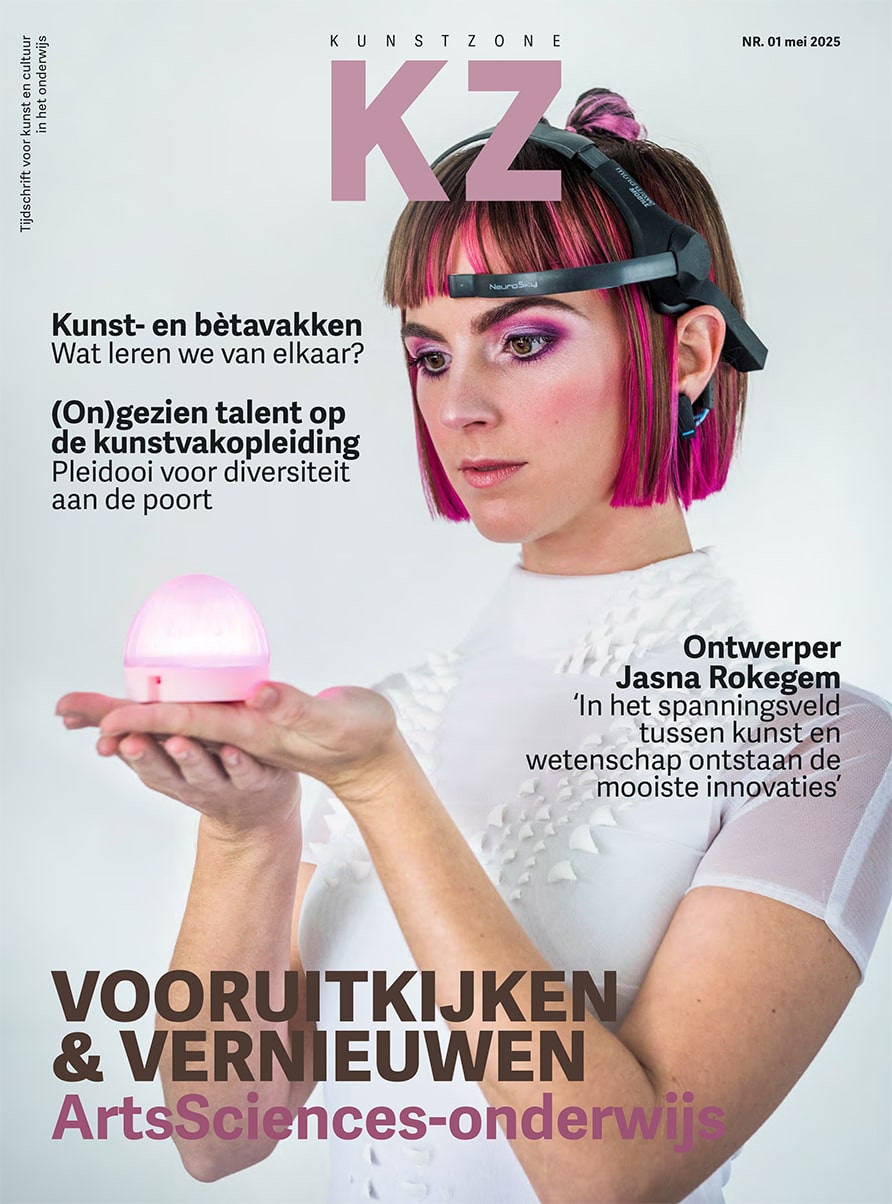
Article in Arts Education Journal “Kunstzone”
Fellow digital pedagogy advocate Bert van Uffelen and I recently wrote an article titled: A Smart Investment: The Struggle with Technology in Music Education Image: Cover of Kunstzone 01/2025: Mindlight Kunst & creatie Jasna Rok Lab. In this article, published in Kunstzone 01/2025, we explore the challenges that music educators encounter when trying to integrate digital technologies into their…
-
BandLab – User Interface
Get familiar with the user interface of BandLab. This is where you will spend your time in the BandLab Studio. Use the slider in the image to show the names and details of the different areas of the BandLab’s user interface. Have fun exploring!
-
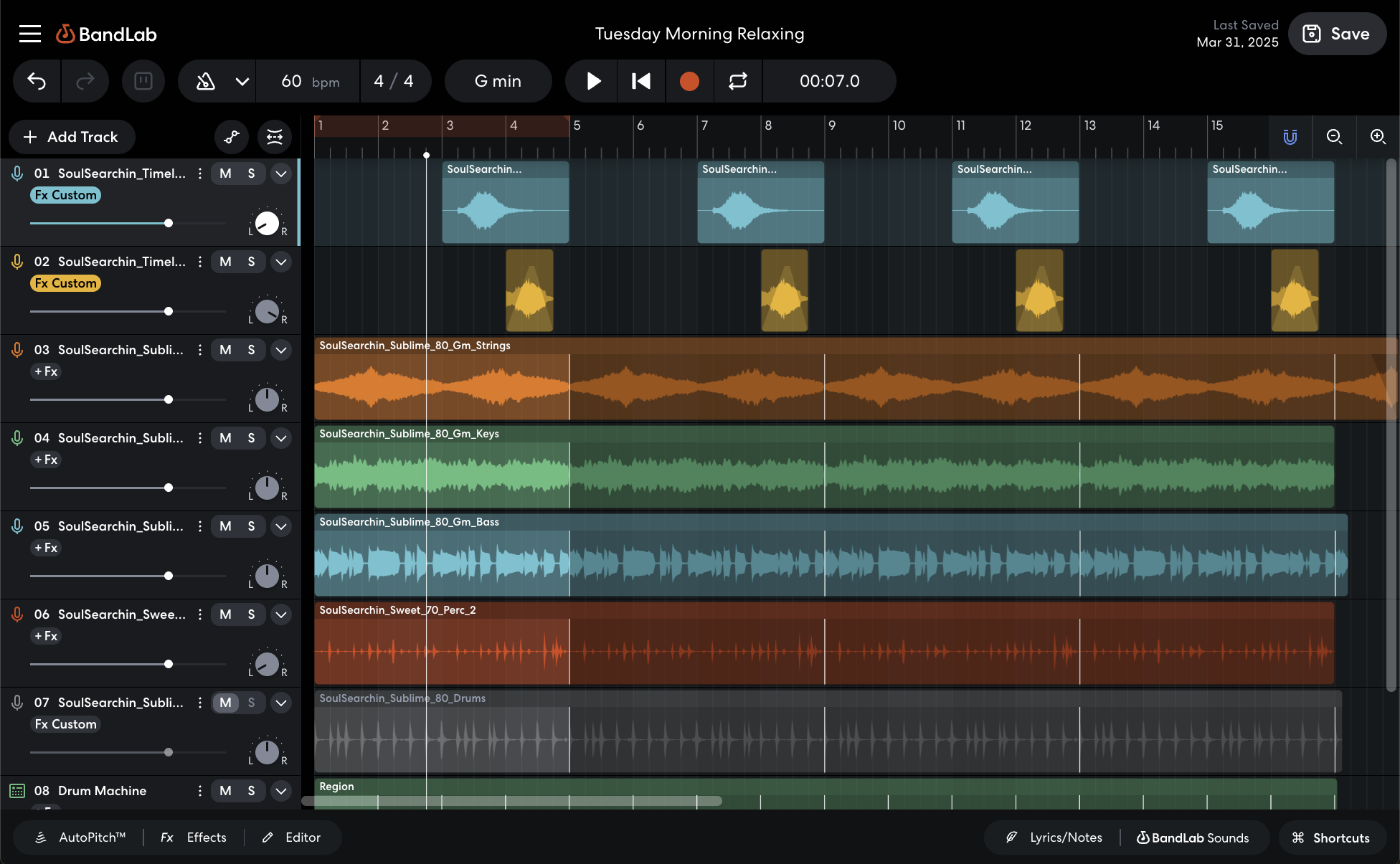
New BandLab Guide to get you DAW-Ready
To help you get started with using a digital audio workstation (DAW) for and in your music education practice, I launched the first DAW guide. This BandLab guide includes thirteen tutorials that cover the basics of this free online DAW that you can use in your browser. The information in the tutorials is at the…
-
Recording Audio in BandLab
BandLab allows you to record audio directly in your browser. Whether you’re tracking vocals, guitar or spoken word, it’s fast and simple to capture great takes. Set Up an Audio Track Choose Input Set Up the Metronome Turn on the metronome for better timing. Choose a tempo and use count-in to get use to the…
-
Recording MIDI in BandLab
BandLab allows you to record MIDI using your computer keyboard or a MIDI controller. You can easily capture melodies, chords, and rhythms using software instruments. Set Up a MIDI Track Set Up the Metronome Turn on the metronome for better timing. Choose a tempo and use count-in to get use to the tempo and start…
-
MIDI Editing in BandLab
BandLab allows you to edit MIDI regions easily using its Piano Roll interface. This is useful for composing melodies, chords, or drum patterns directly in your browser. Editing MIDI Notes Velocity Transpose and Legato Tip: Use copy/paste and transpose to quickly build chords and patterns from one note or motif. Quantize Humanize Next Now that…
-
Importing Audio, MIDI, and Video in BandLab
BandLab makes it easy to import your own files into a project. Whether it’s a vocal take, sample, a full track, or even video, you can drag it right in and start working immediately. This tutorial will focus on importing audio into your project. How to Import Audio Drag and Drop and create a new…
-
Using Effects (FX) in BandLab
BandLab makes it easy to shape your sound using built-in FX plug-ins. These include essentials like EQ, reverb, delay, and compression. In this guide, you’ll learn how to apply effects and control them across tracks in your project. Adding FX to a Track Controlling FX Parameters Each effect comes with adjustable settings. For example: Tips…
-
Using Virtual Instruments in BandLab
BandLab comes with built-in software instruments, including synths, pianos, strings, drums and more — all playable with a MIDI controller or your computer keyboard. In this tutorial you will learn how to integrate them in your production. Virtual Instruments To add a (build-in) virtual instrument track: Or … Virtual Instruments Presets Another way to choose…
-
Looping Regions in BandLab
Looping in BandLab lets you quickly repeat a region or loop over a section while composing. Here’s how to loop audio or MIDI regions. Looping a Region Playback Loop Tip: Use loops to build your arrangement section by section — for example, create an 8-bar drum loop and layer parts on top. Next Now that…